
Shopify Store Setup Guide for Australian Businesses
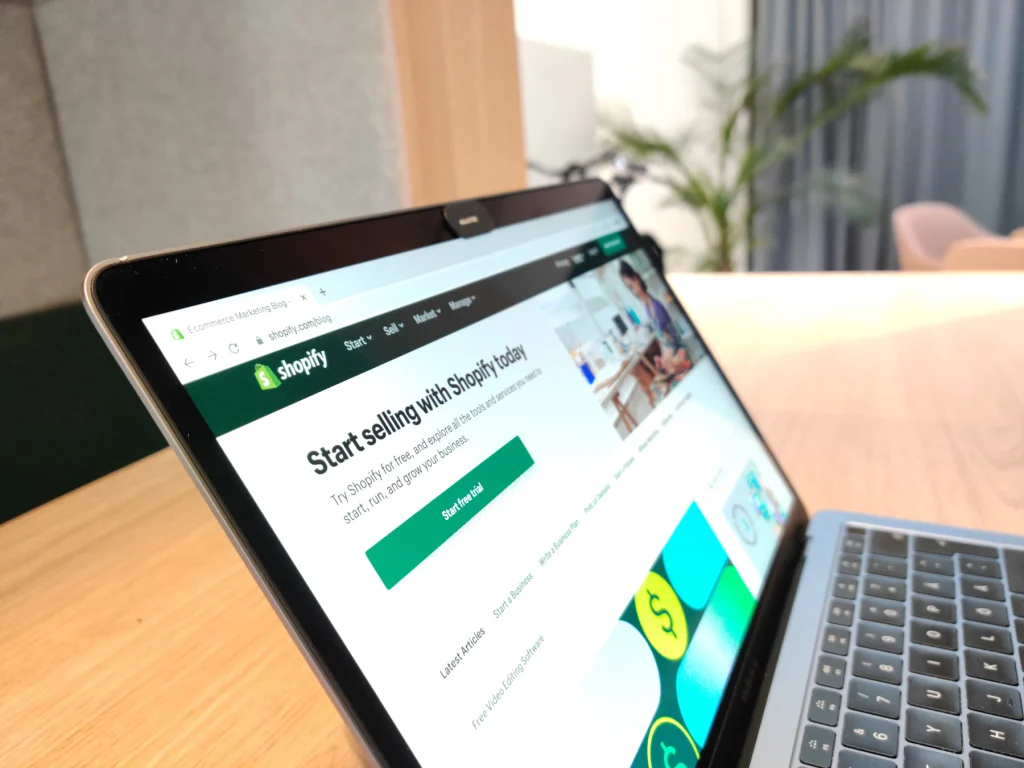
Shopify is one of the most popular platforms for Australian businesses selling online. It is reliable, secure and easy to manage, which makes it ideal for small and growing brands. This guide walks you through the key steps of setting up a Shopify store for the Australian market, from first settings to launch.
1. Plan Your Store
Before you open Shopify, decide what you will sell, who your customers are and how you will deliver. List your product categories, gather product information and photos, and decide on your brand colours and logo.
2. Choose the Right Plan
Shopify offers several plans with different features. Start with the plan that matches your current size, and upgrade as your sales and needs grow.
3. Configure Store Settings for Australia
- Set your store currency to Australian dollars.
- Add your business address and contact details.
- Configure GST settings with advice from your accountant, and display prices to consumers including GST where applicable.
- Set your time zone, units and order ID format.
4. Pick and Customise a Theme
Choose a fast, mobile-friendly theme that suits your products. Customise colours, fonts and layout to match your brand. Keep the homepage focused: a clear headline, featured collections, trust signals and a strong call to action.
5. Add Products Properly
- Use high-quality photos from several angles.
- Write original, helpful descriptions with sizes, materials and care details.
- Set up variants such as size and colour.
- Organise products into logical collections.
- Fill in SEO titles and descriptions for each product.
6. Set Up Payments
Offer the payment options Australian customers expect, such as cards, digital wallets, PayPal and buy-now-pay-later services where suitable. Test the full checkout before launch.
7. Configure Shipping
Set shipping zones and rates for metro and regional areas, and consider free shipping over a minimum order value. Show delivery timeframes clearly and provide tracking numbers for every order.
8. Add Essential Policies
Publish a privacy policy, refund and returns policy, shipping policy and terms of service. Make sure your refund policy reflects Australian Consumer Law guarantees for faulty products.
9. Install Only the Apps You Need
Apps add useful features such as reviews, email marketing and upselling, but too many can slow your store. Choose a few essential apps and review them regularly.
10. Optimise for SEO
- Use clear, keyword-focused titles for products and collections.
- Write unique meta descriptions.
- Add descriptive alt text to images.
- Publish helpful blog content related to your products.
- Connect Google Search Console and submit your sitemap.
11. Set Up Tracking
Connect Google Analytics and set up conversion tracking. If you plan to advertise, install the relevant tracking pixels so you can measure results.
12. Test and Launch
Place test orders with every payment method, check emails and notifications, review the store on mobile and ask a few people to try it. Fix any issues, remove the password page and announce your launch.
After Launch
Promote your store through social media, email, Google Shopping and SEO. Monitor sales and analytics, gather reviews and keep improving product pages based on customer questions.
Final Thoughts
With careful setup, Shopify gives Australian businesses a professional, reliable store that is easy to manage and ready to grow. Focus on clear products, smooth checkout, transparent policies and strong SEO.
Need help building your store? Our Shopify development team builds stores for Australian businesses. Contact us for a free consultation.
Need help with your project?
Get a free consultation from the Nivo Tech Solutions team for web development, SEO, digital marketing, apps or software.
Get a Free Quote